Below you’ll find everything you need to get started and make the most of it!
Getting started is easy.
If you don't have Flowpass, here's how you get it.
Download the app via the App Store or Google Play
Prefer using a browser? You can also register via the Flowpass web app.
Sign up using your work email address at Husqvarna.
Confirm your email by clicking the link we sent you.
You’re all set! Start exploring the app to discover events, connect with the community, and book workspaces as needed.
Where can I book?
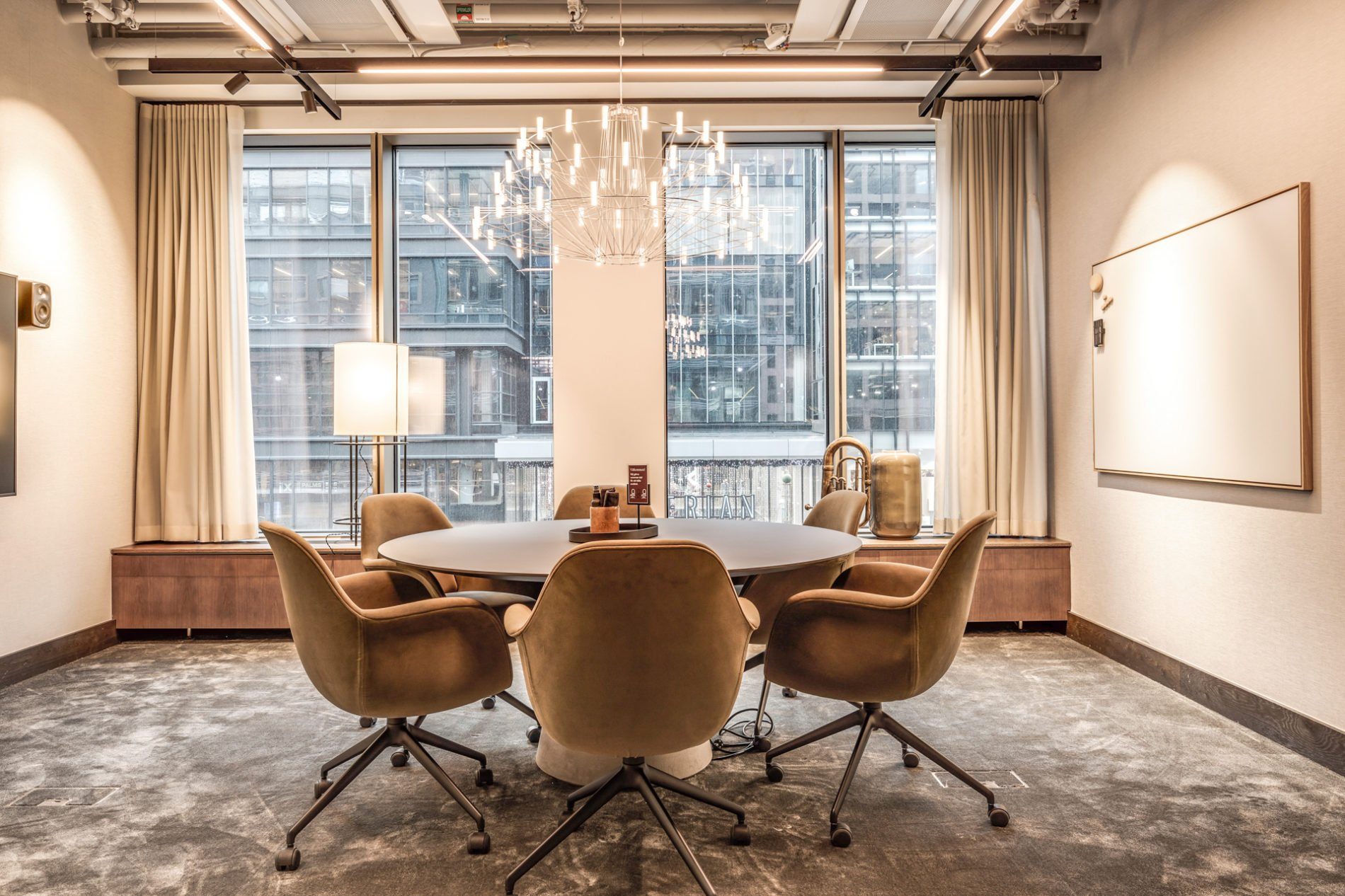
Arena Sergel at Malmskillnadsgatan 36
K-märkt Science Tower Kista, The lounge at the conference arena.
CoW Arenastaden - Fabege's coworking
Fabriken –– at Slakthusområdet (Rökerigatan 20)
Log in to the app and explore these places with images and additional information.
Your first booking
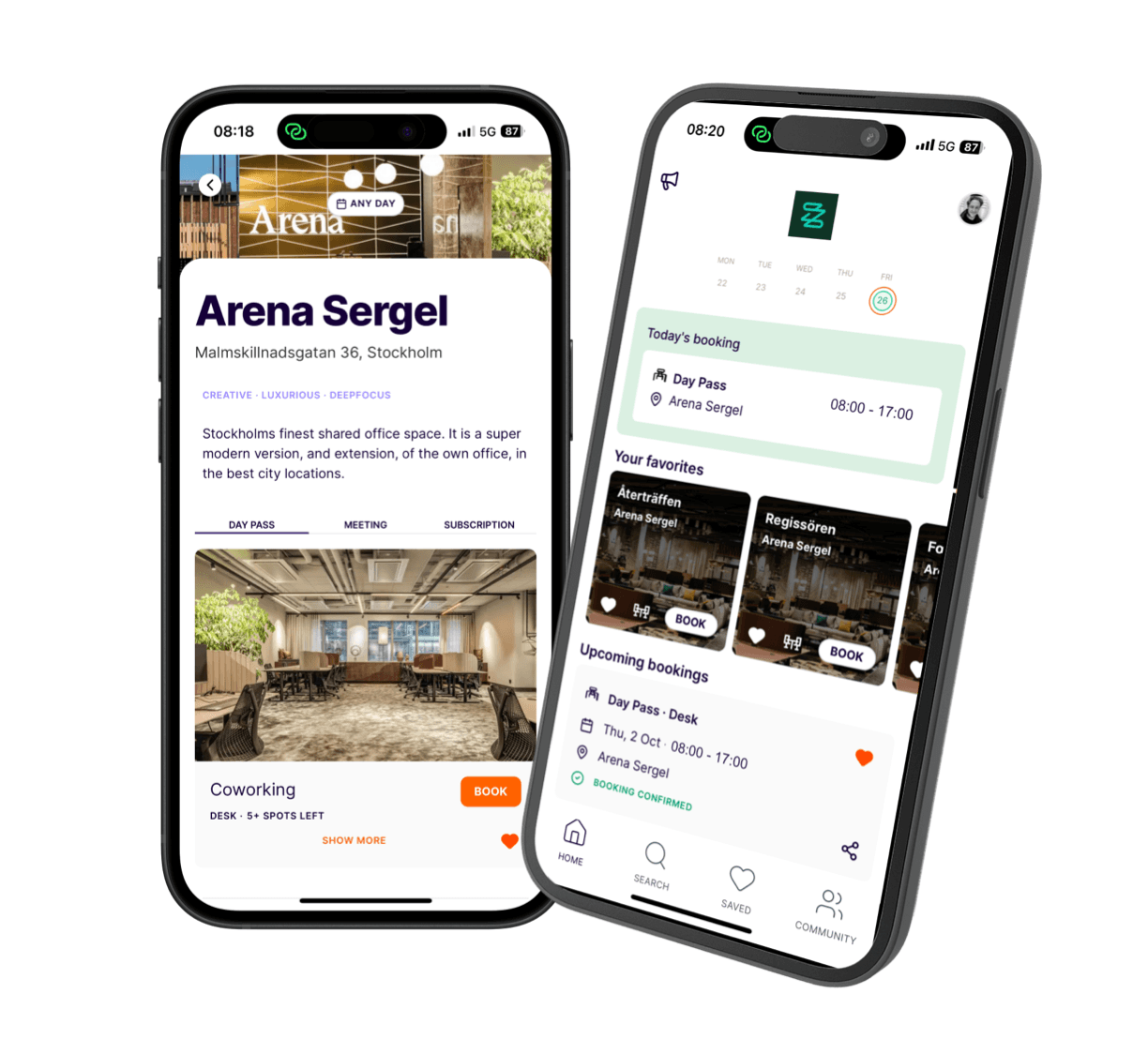
Tap Search in the app—you’ll see the coworking spaces available for you.
When You Arrive
You’ll receive a confirmation email after booking.
You can also find all your bookings under HOME in the app.
When you arrive, show your booking confirmation to the staff—they’ll handle the rest!
Note: No payment is required on-site—your access is already covered by your employer.
Make the Most of Flowpass
Share your location – Quickly find your workspace.
Save your favourites – Keep a list of go-to spots for quick rebooking.
Join the Community – Coordinate visits with colleagues.
Add a profile picture – Help colleagues recognise you. Go to Account by clicking on the right-hand icon on the HOME screen, then click on Profile.
Sync your calendar – Go to Account > Integrations to automatically sync bookings.
Warmest welcome,
the Flowpass team
Need support? We're here to help.
In-app support: Tap the icon in the top right corner of the home screen, then select Help to chat with our support team.
Email support: You can also contact us at cs@flowpass.co